Document everything. Prove it all.
Capture photos and notes directly within CLīMIT to build a complete, timestamped record of every project, right from your phone on the jobsite.
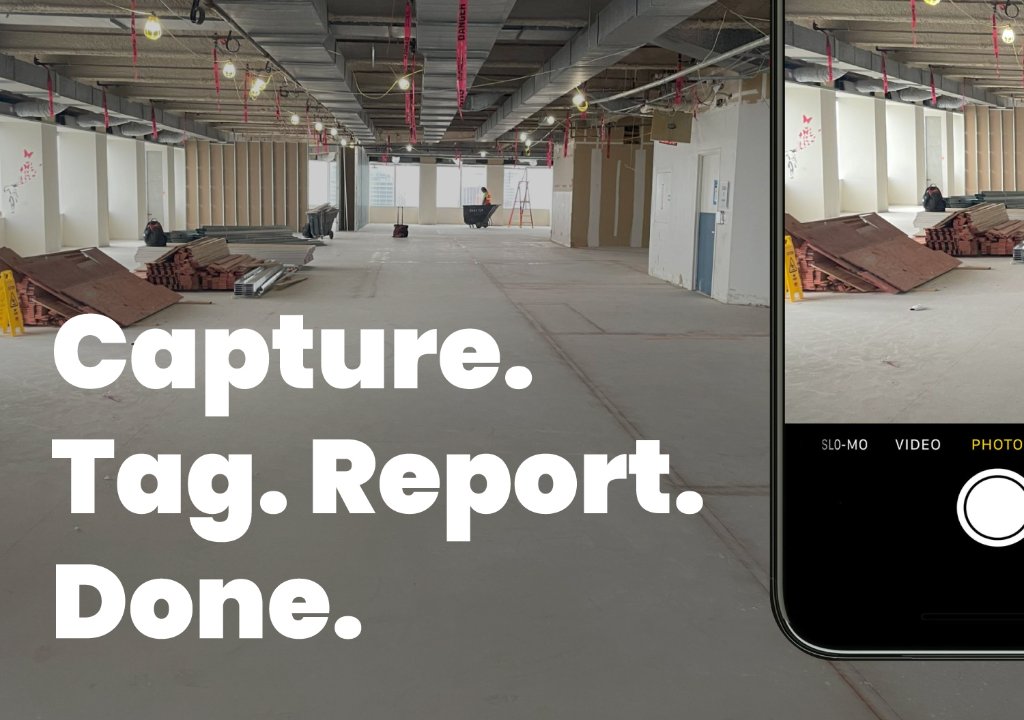
Visual Evidence
Photos create irrefutable proof of site conditions at specific moments, invaluable for warranty disputes and compliance verification.
Context & Documentation
Notes paired with photos explain what you're documenting: concerns, observations, corrective actions, all timestamped and linked to the project.
Defensible Record
Every photo and note is automatically timestamped and tagged. If a problem emerges months later, you have proof of what you saw and did at the time.
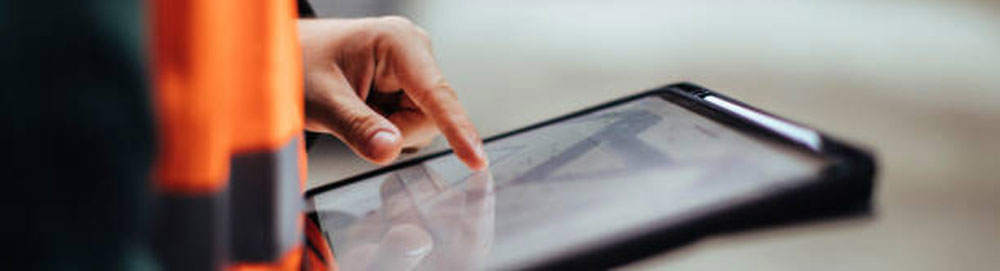
Photos. Notes. Document. Build.
Snap a Photo On-Site
Open the CLīMIT app on your phone, tap capture, and photograph any area of the jobsite: before, during, or after installation.
Add a Note
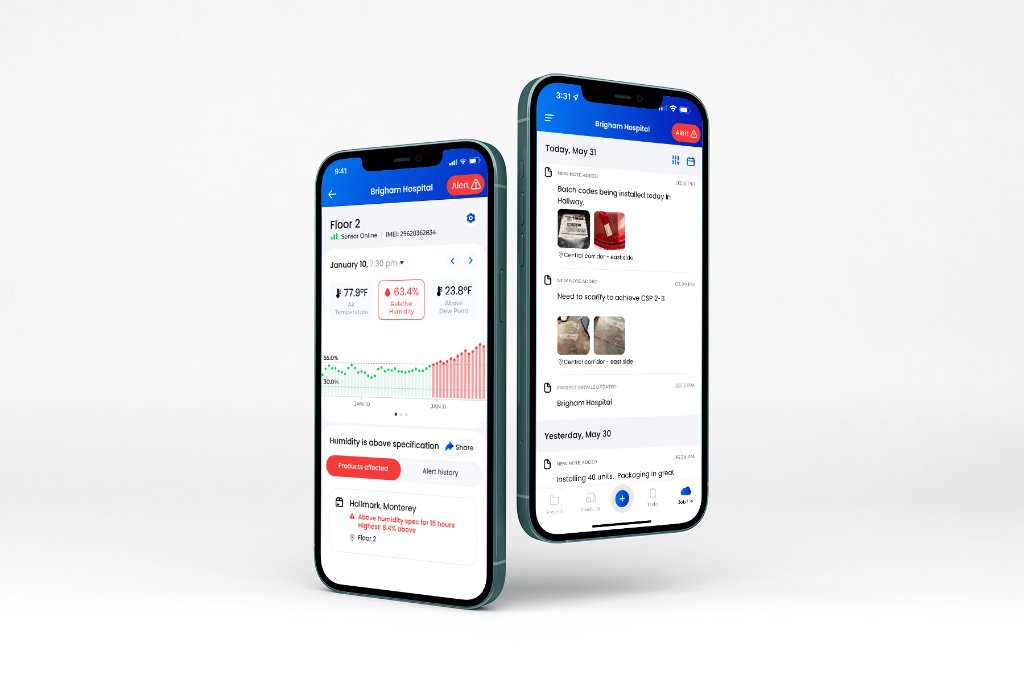
Attach a written note to any photo or sensor reading. Flag concerns, document observations, or leave instructions for your team.
Auto-Tagged to the Project
Every photo and note is automatically tagged with the project, timestamp, and sensor location. No manual filing needed.
Included in Your Reports
Photos and notes are automatically pulled into your generated reports, giving clients and GCs full visual documentation.
Built for every stage of the project.
Protect Your Warranty
Document site conditions before installation to prove you met manufacturer requirements.
Create a Timeline
Build a timestamped visual record of your project from start to finish.
Keep Everyone Aligned
Share photos and notes with your team, GC, or client straight from the app.
Before & After Documentation
Capture pre- and post-installation states to clearly show the work completed.
Every detail, always on record.
Take jobsite photos and videos, add notes, and attach them to reports right in CLīMIT's mobile app.
Start documenting smarter.
See photo and note capture in action. Book a demo with the CLīMIT team today.